
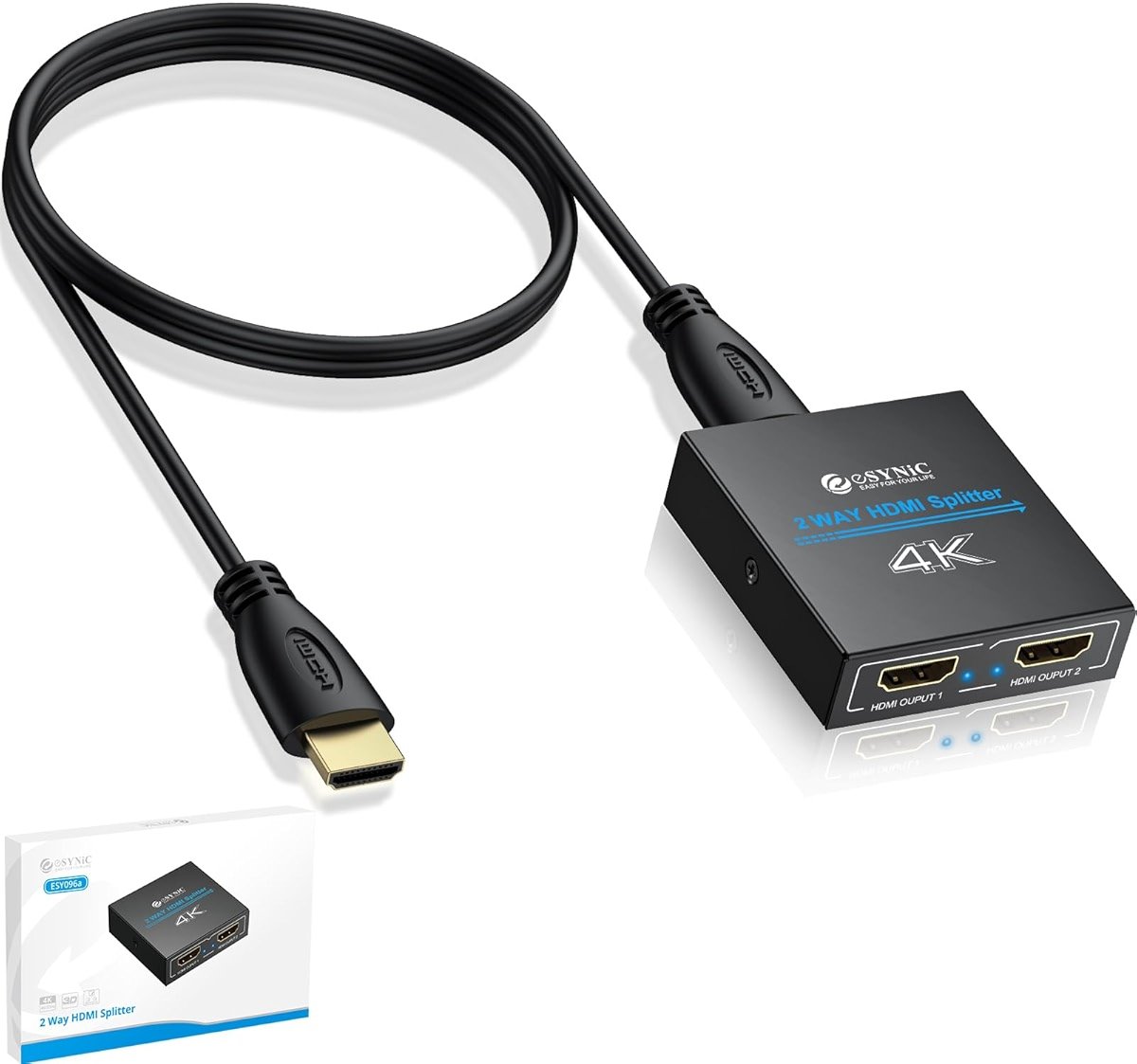
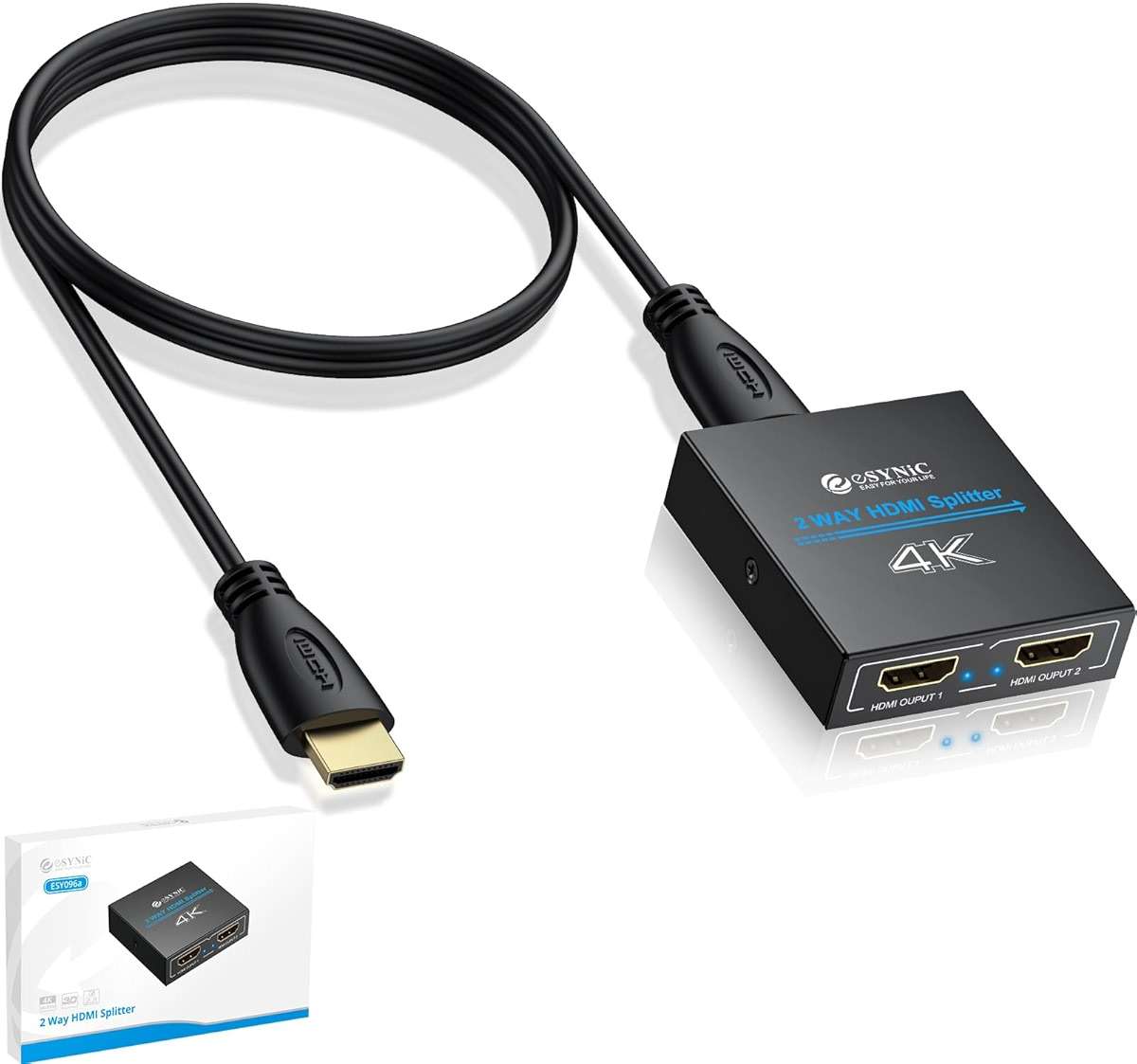
eSynic 4K@30Hz HDMI Splitter 1x2-1 in 2 Out HDMI Splitter for Dual Monitors-Plug & Play-Supports1080P 3D HDCP Bypass – for PS4/PS5, Projector, PC, TV, Office Conference -Only Mirror No Extend Mode
List Price:
$13.89
Your Price:
$13.08
You save: $0.81 (6% off)
Create an account to track orders, view history, and get faster checkout
Available Variations
Size
Features
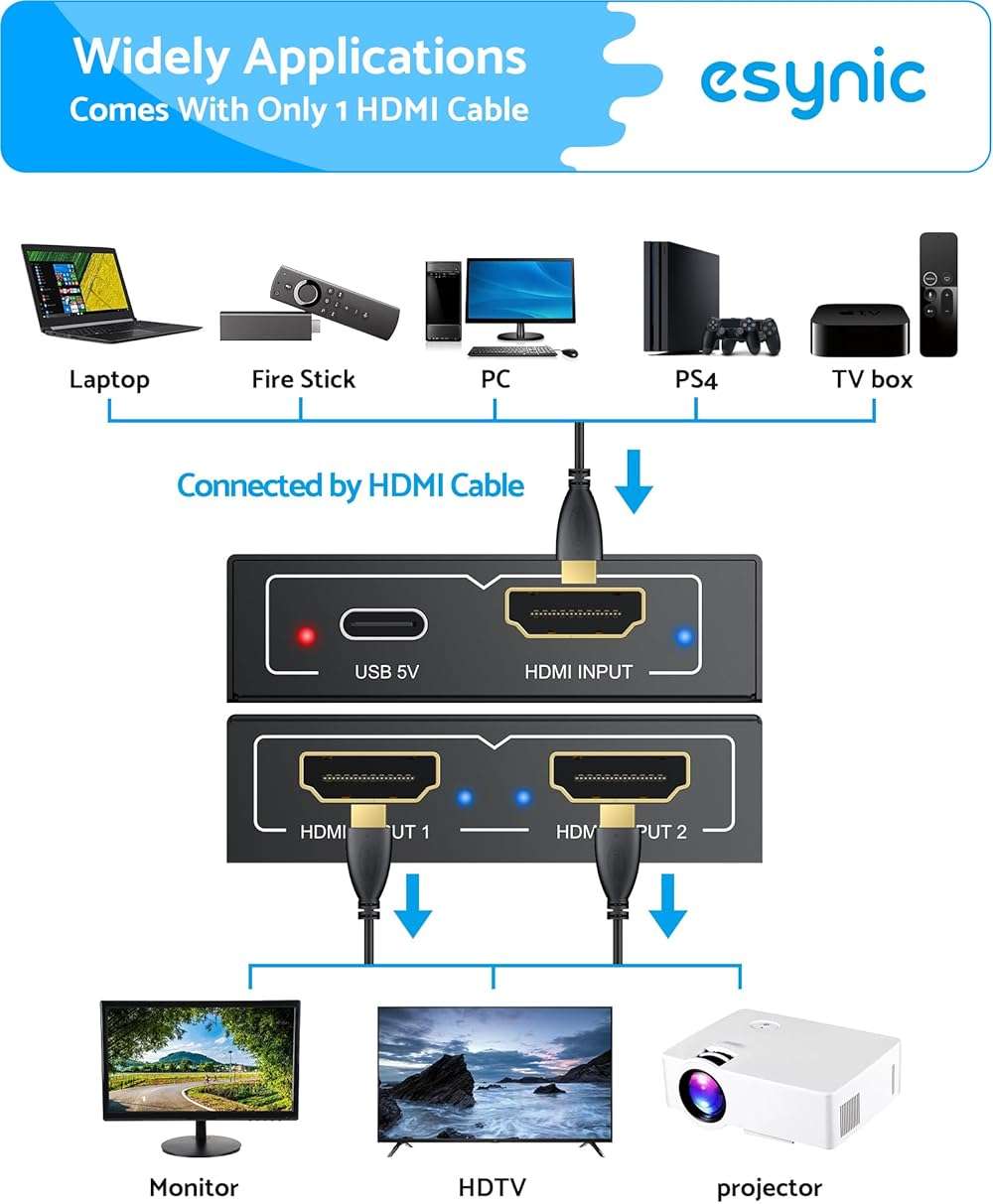
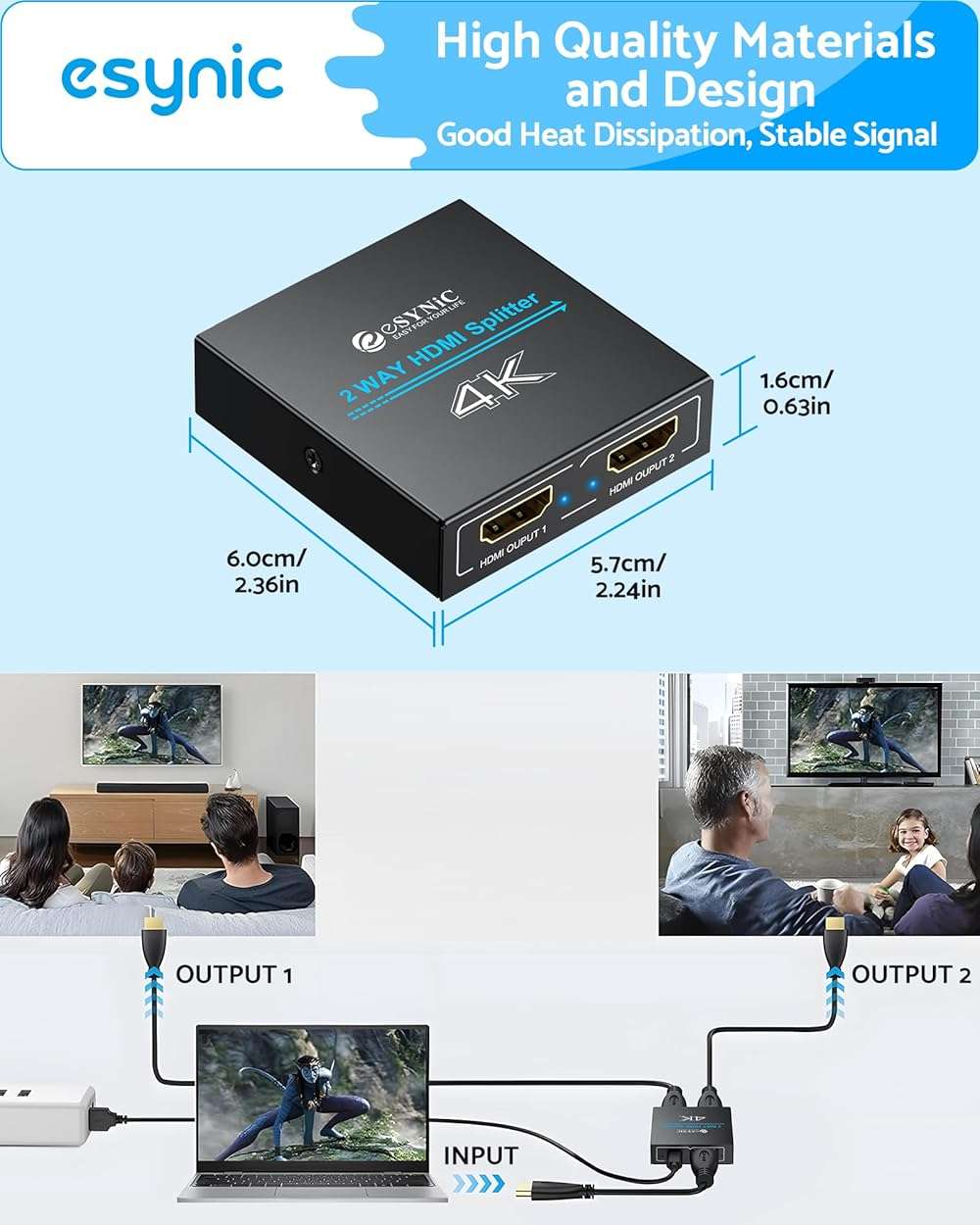
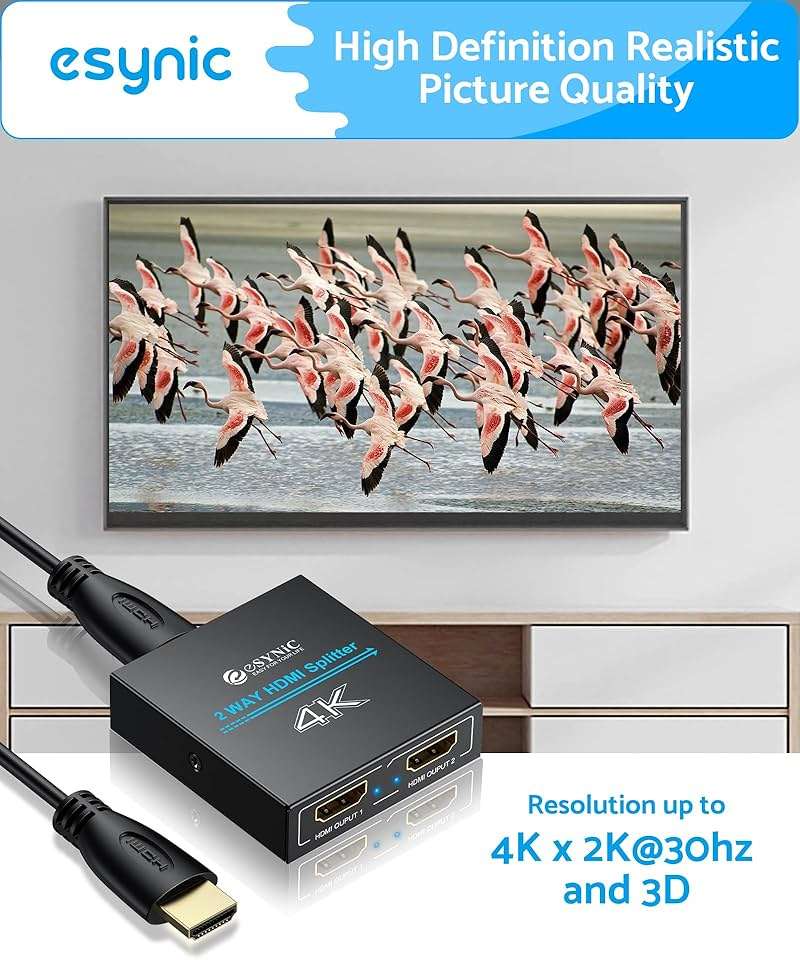
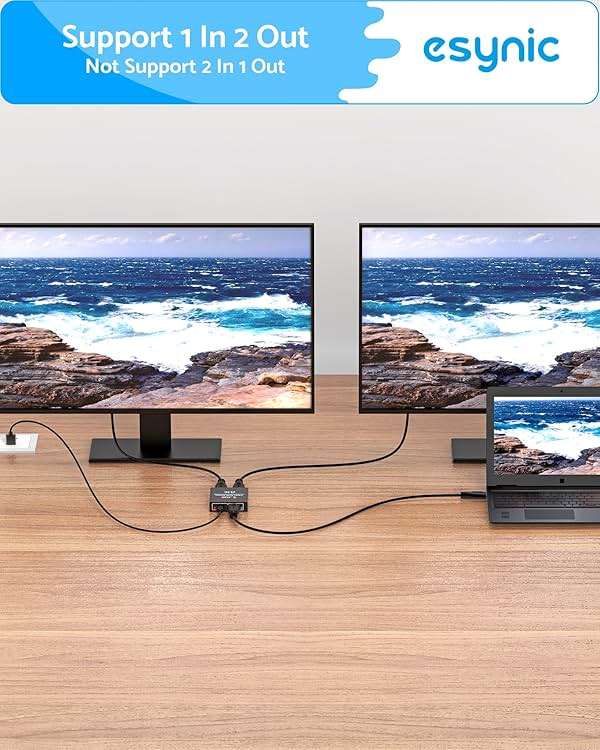
- 1️⃣ 🎮 “Alexa, find me a splitter that sends my PS5 game to both my TV and my capture card at the same time.”----:For gamers and families: This 1‑in‑2‑out HDMI splitter duplicates your source signal to two displays simultaneously. Play on your 4K TV while someone else watches on a second screen – or stream to a monitor while gaming on the main display. Supports 4K@30Hz, 1080P, and 3D. Plug your console, streaming stick, or laptop into the input, then connect two TVs/projectors/monitors to the outputs. Both screens show the exact same picture.
- 2️⃣ 🏢 “How can I show my laptop screen on two projectors in a large conference room?”------:For office professionals and teachers: Connect your laptop (via HDMI) to this splitter, then run HDMI cables to two projectors or large monitors. Everyone in the room sees the same presentation, spreadsheet, or training video – no more crowding around a single screen. The USB power cable (included) draws power from your laptop’s USB port or any 5V adapter. Works with Windows, Mac, Chromebook, and any HDMI source. Compact enough to fit behind a monitor.
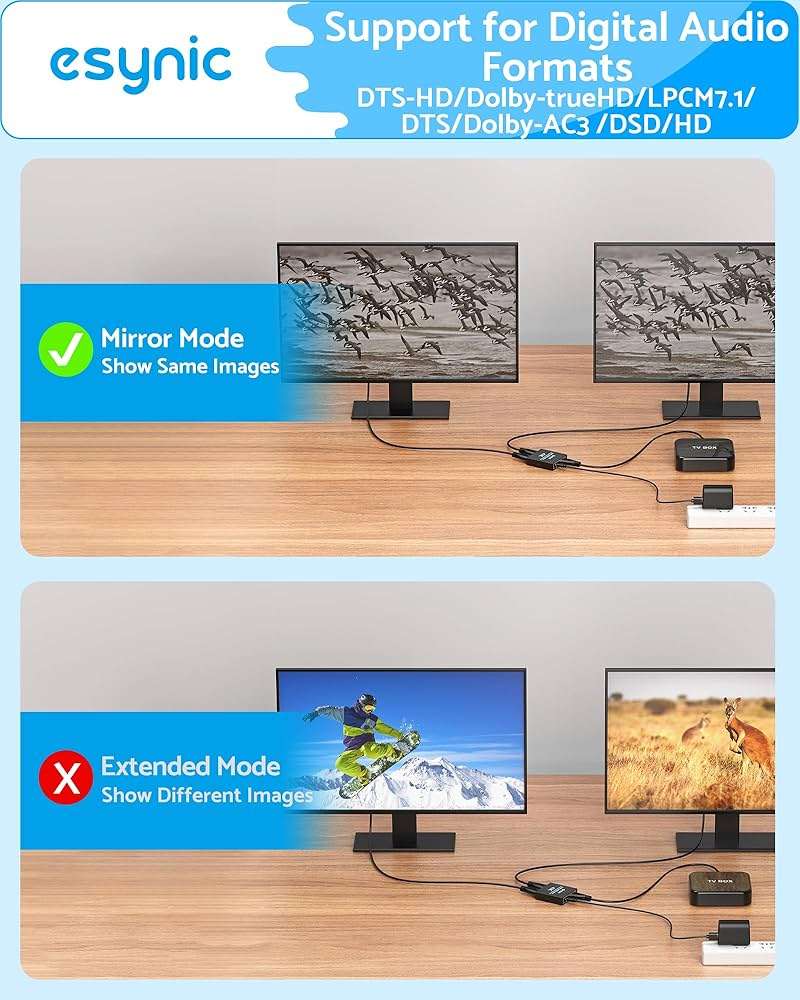
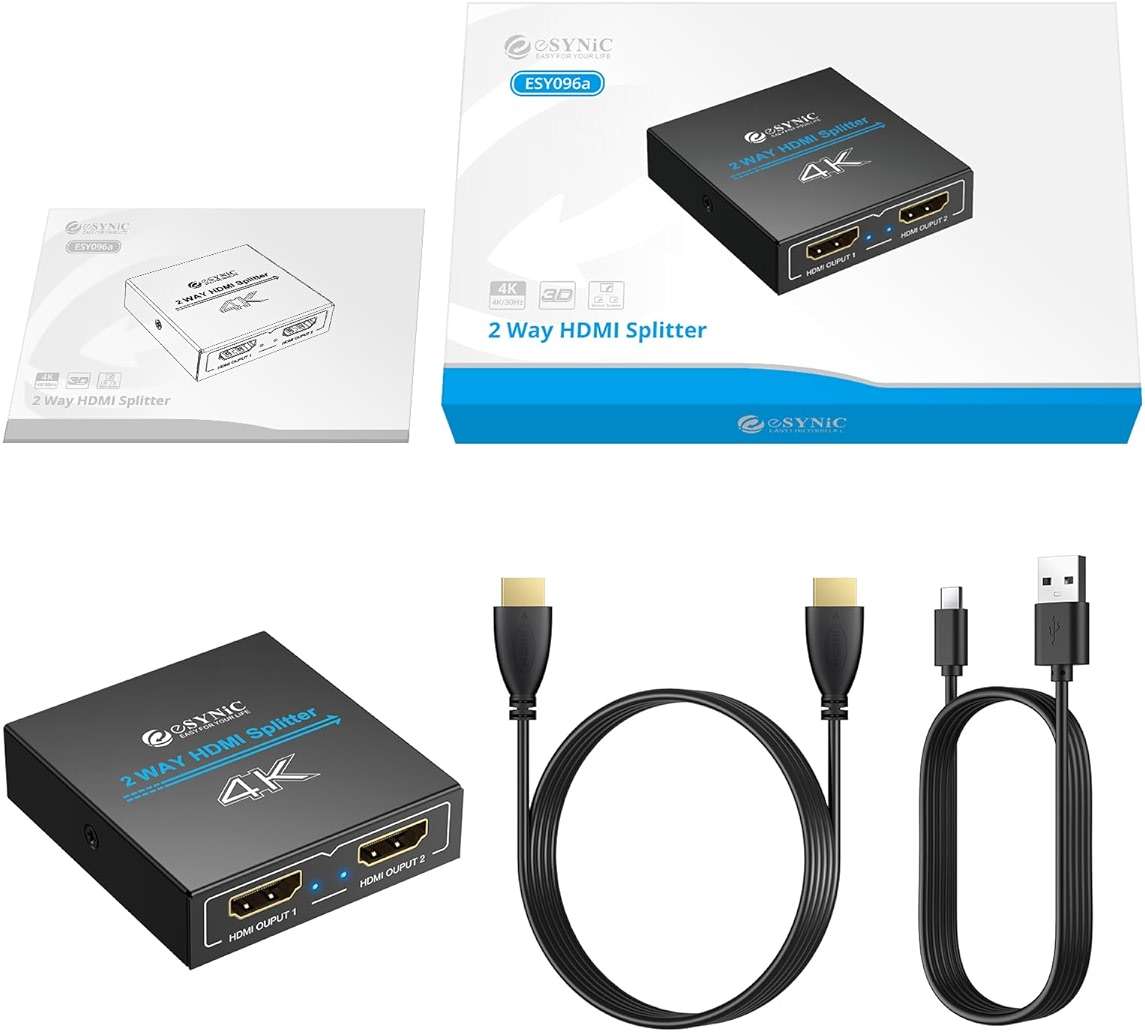
- 3️⃣ 🔌 Plug & Play – no software, no external power brick-----:Just connect the source to input, two displays to outputs, and plug the USB cable into any 5V port (computer, TV USB, phone charger). The splitter powers on instantly – no drivers, no setup. Supports HDMI 1.4 with resolutions up to 4K@30Hz. ⚠️ Note: Both outputs mirror the same signal; this splitter does NOT extend your desktop (for extended desktop, use a USB‑C dock or graphics card with multiple ports). Comes with a 1m (3ft) HDMI cable to get you started.
- 4️⃣ ⚙️ ⚠️ Frequently asked questions-----:Q: Will this splitter lower my refresh rate for gaming?A: It outputs at the resolution of the lower‑capable display. If one TV is 4K@30Hz and the other is 1080P@60Hz, both will run at 1080P@60Hz to ensure compatibility. For 4K gaming, connect two 4K displays.Q: Does it support HDCP 2.2?A: This splitter supports HDCP 1.4 (most common for 4K streaming). For HDCP 2.2 content (Netflix/Disney+ 4K), some sources may downscale. Works fine for 1080P and most games.Q: Can I use this to extend my desktop?A: No – this is a mirroring splitter, not a video wall or extension device.
- 5️⃣ 🎁 Wonderful Choice----:Our eSynic Professional 1 in 2 Out HDMI Splitter is Perfect for: Gamers – share your screen with a friend on a second monitor or record gameplay Home theaters – send cable box/streaming stick to two TVs (bedroom + living room) Offices & conference rooms – present to two projectors or displays simultaneously Schools & training centers – teacher’s screen on multiple classroom monitors Retail & digital signage – one media player driving two advertising screens Bars & restaurants – multiple TVs showing the same game
Product Description
Product Information & Details
Shipping & Availability
Bazar is an independent retailer. Orders are fulfilled via Amazon's logistics network.
Frequently Asked Questions
What is the return policy for this product?
30-day return window for eligible items including damaged items, defects, wrong items, changed mind, or sizing issues. We accept returns for both defective and non-defective products in new and slightly used condition. Food and beverage items are not eligible for returns. Returns require documentation and photos for damaged/defective items. Contact support@bazar.earth to initiate returns. Prepaid return label or QR code provided for drop-off at carrier locations or mail-in returns. Refunds processed within 10 days.
How long does shipping take?
This product is eligible for fast shipping, with an estimated delivery of 1-3 business days. Please note that this is an estimate and actual delivery times may vary. You'll receive a tracking link to monitor your order's progress.
Can I track price changes for this product?
Yes! You can set up price alerts to be notified when the price drops. Just click the "Price Alert" button on the product page.